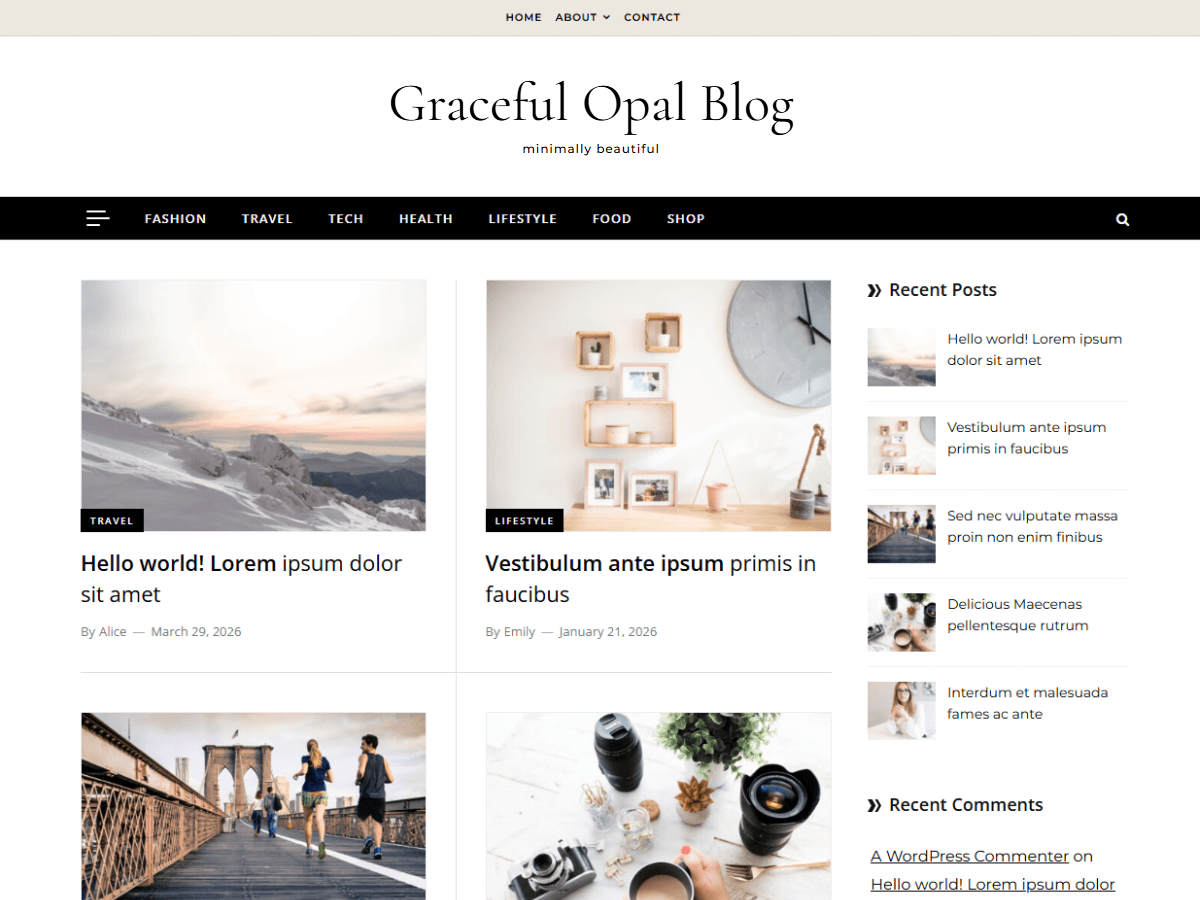
Description
At a glance
Kale v2.9 — free WordPress theme download. Key facts: 7K+ active installs · 4.9/5 rating from 206 reviews · updated July 22, 2026 · requires WordPress 6.8+ & PHP 7.4+.
Kale is a charming and elegant, aesthetically minimal and uncluttered food blog theme that can also be used for a variety of purposes. Whether you want to share recipes or fashion tips, run a lifestyle, parenting or cooking blog, Kale is a perfect theme choice. Simple but feature-filled food blog or cooking blog WordPress theme with WooCommerce integration. Beautifully designed and extremely clean, Kale is super easy to set up and is optimized for search engines. Kale comes with a special front page; with featured posts and a large highlight post, the option to show a banner or a posts slider in the header, and RTL support. It also comes with built-in menus for displaying your social media presence, multiple blog feed layouts, text and image logo options, sidebar size options (compact and default), banner/slider color overlay options, multilevel menus, automatically responsive YouTube videos, and much more! Kale is versatile enough to be set up as a small business website as well, by using the a static page as the home page and using the special front page elements to showcase services or portfolio. Kale is backed by world class, one-on-one support, and a super active team of developers and designers ready to help!
Frequently asked questions
What do I get when I download Kale?
Kale 2.9 is the latest version. It is a WordPress theme you can download here free of charge under the GPL license, with the complete feature set included and no trial limitations. It holds a 4.9/5 rating from 206 user reviews.
Does Kale cost anything?
No. Kale 2.9 is 100% free — the full GPL version, not a trial or demo. There are no download limits, no accounts to create, and no upsells during the download.
How do I install Kale 2.9?
Download the ZIP file from this page, then in your WordPress dashboard go to Appearance → Themes → Add New → Upload Theme, choose the file, click Install Now, then Activate. The theme works immediately after activation — no license key or extra setup is required for the core features.
What are the requirements for Kale?
Kale 2.9 requires WordPress 6.8 or higher and PHP 7.4 or higher. Most modern WordPress hosts already meet these versions. Running older versions may cause features to break, so update WordPress and PHP first if your site is behind.
When was Kale last updated?
Version 2.9 was last updated on July 22, 2026. This page is refreshed automatically, so the download here always matches the newest version we have verified.
Is the Kale download safe?
The file is sourced directly from the official WordPress.org repository — the same file the developer published. It is served unmodified, so what you install here is byte-identical to the official release.
Version: 2.9
Updated: October 1, 2026
Technical details
| Version | 2.9 |
|---|---|
| Last updated | July 22, 2026 |
| Active installs | 7,000+ |
| Rating | ★★★★★ 4.9/5 (206 reviews) |
| Requires WordPress | 6.8 or higher |
| Requires PHP | 7.4 or higher |
| Author | lyrathemes |
| Tags | custom-background, custom-colors, custom-header, custom-menu, featured-images, flexible-header, food-and-drink, footer-widgets, full-width-template, grid-layout, one-column, right-sidebar |
Demo Kale
Download Kale
Download Kale WP ThemeNote: if the download does not start, disable your ad blocker and try again.